 LiveSwap
Real-time face swap
Your camera turns into a character while you move. Expressions, lip movement and head motion carry over frame by frame.
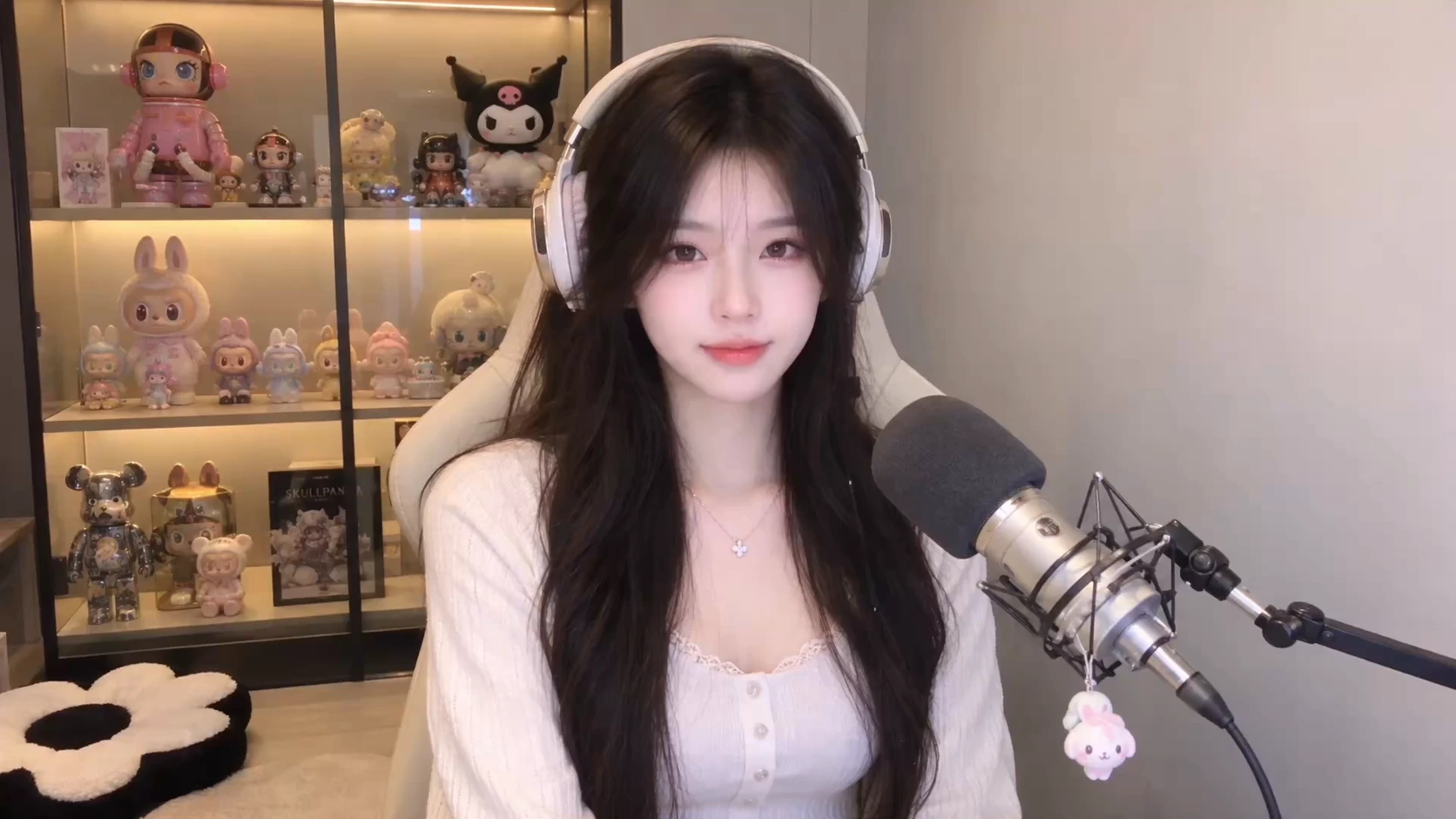

Pick a character
How real-time face swap works
- 01
Open your camera
Allow camera access. Check your framing and lighting in the local preview.
- 02
Choose an effect and reference
Select face swap, restyle or try-on. Pick a character or upload an image you have permission to use.
- 03
Start and stop
Choose an available model and start. The result appears live; stop whenever you want.
Choose an effect and reference
Select face swap, restyle or try-on. Pick a character or upload an image you have permission to use.
What improves the result
Face the camera in even light, keep one person in view and use a stable connection. Try slow head turns before faster movement.
Camera privacy
LiveSwap does not save your camera video, and other users cannot view it. Generation sends the stream to your selected model provider.
Questions about real-time face swap
Can I use it on my phone?
Use a recent browser with camera permission. Availability and performance depend on the device, browser and connection.
Does it change my voice?
No. LiveSwap processes video and does not request microphone audio.
Which references can I use?
Use images you own or have permission to use. A reference guides the model; it is not a guarantee of the resulting appearance.